




Description
Download Solitaire - Classic Klondike – Solitaire, Classic Klondike, Card Game, Free Solitaire, Android Game
Overview
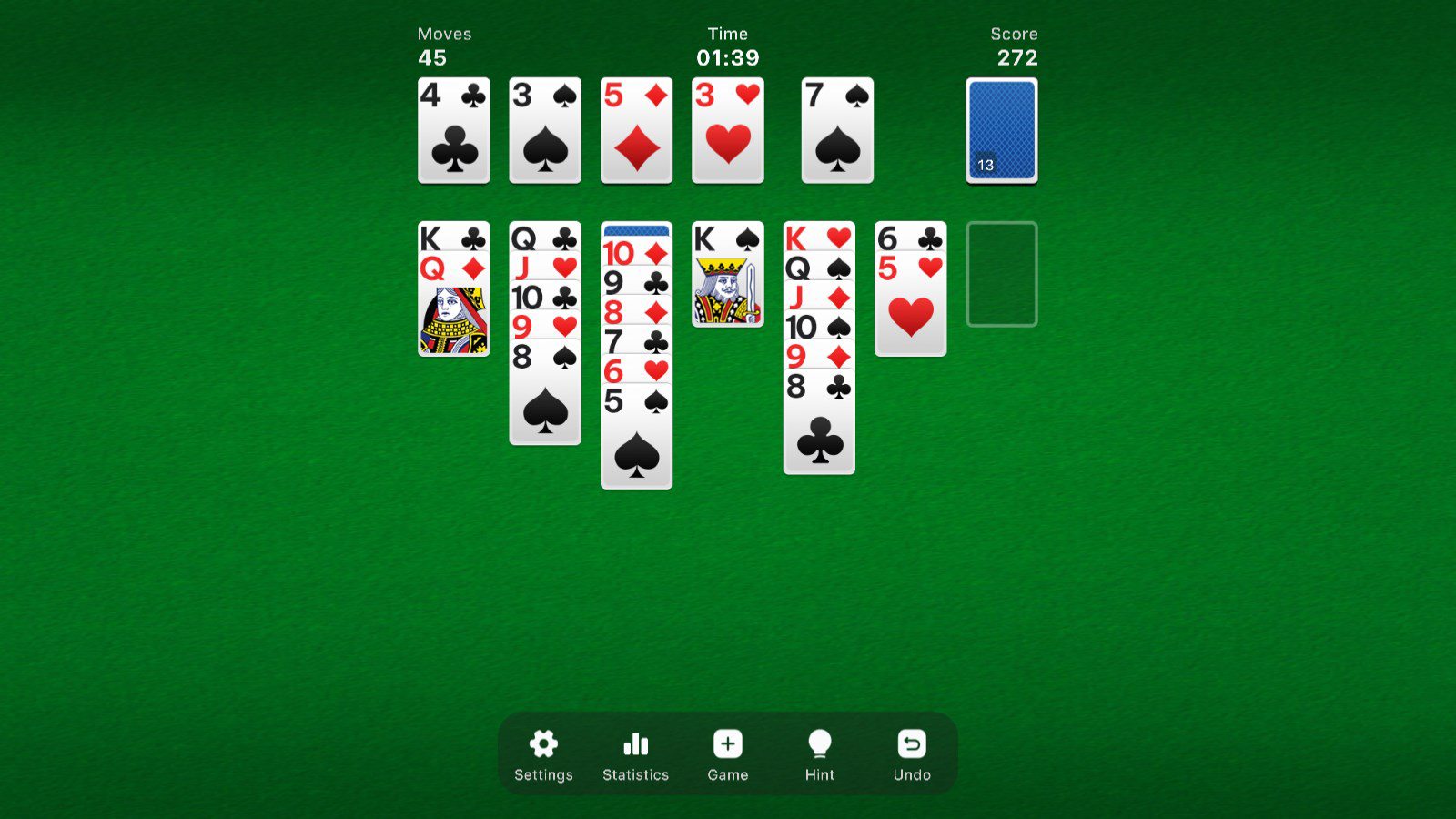
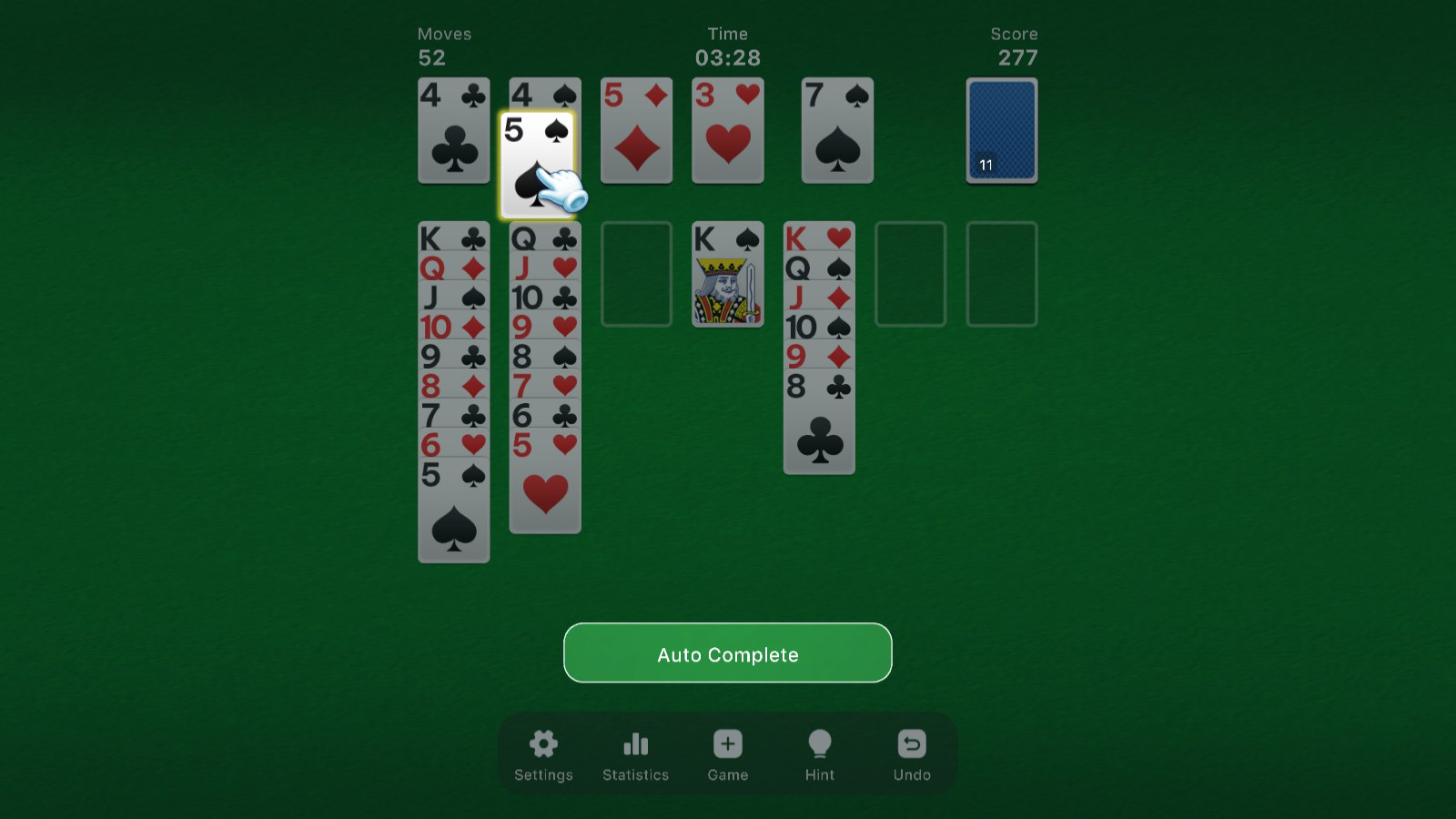
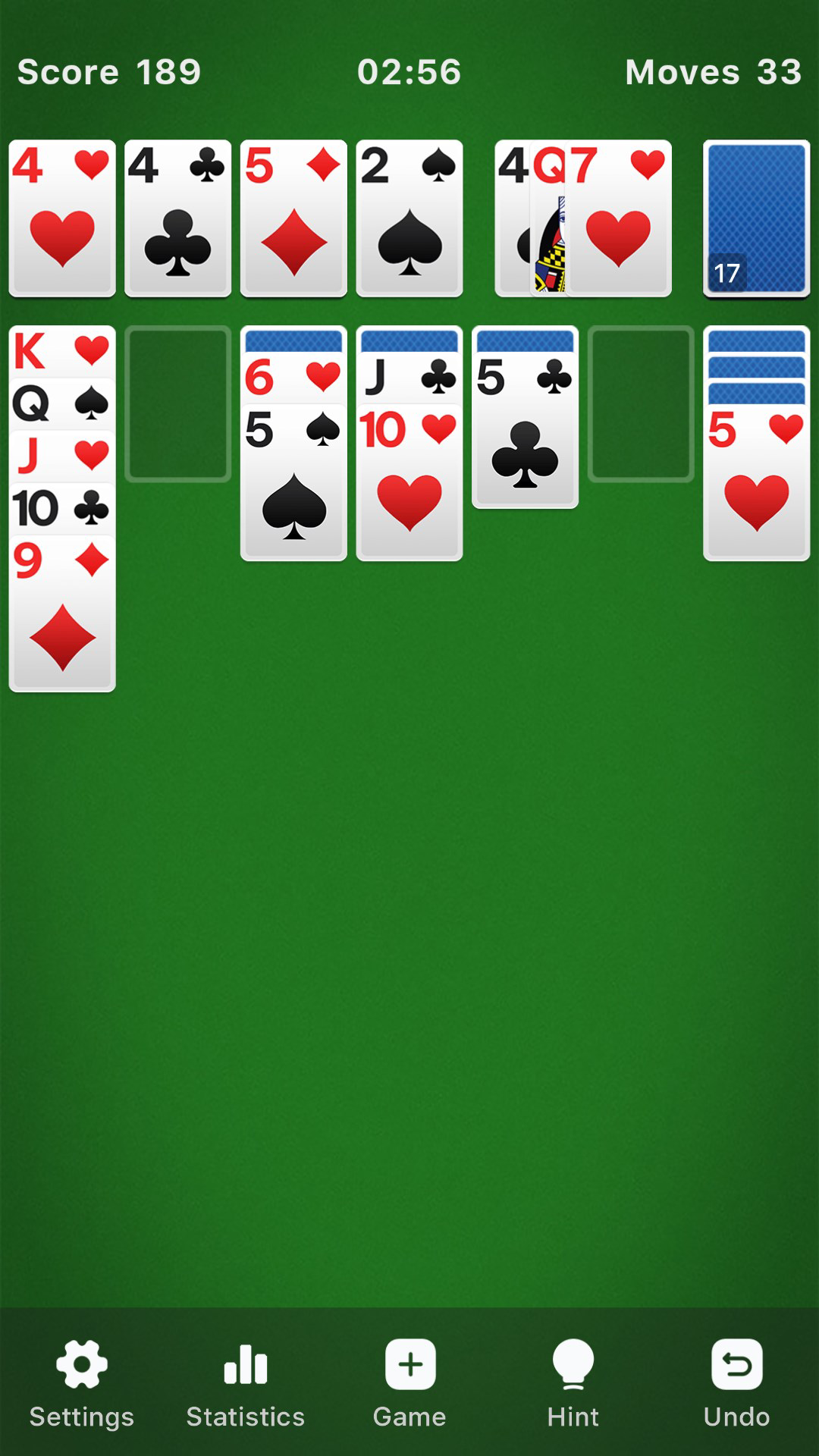
Solitaire - Classic Klondike is a modern digital rendition of the enduring card game Klondike Solitaire, crafted to deliver the nostalgic charm of traditional gameplay while integrating features suited for today’s mobile users. Designed by Solitaire Games Inc., the app aims to serve casual gamers, puzzle enthusiasts, and fans of classic card games who seek a reliable, accessible, and enjoyable experience on Android devices. The game adheres to the standard rules of Klondike Solitaire, ensuring authenticity for players familiar with the original format, while enhancing usability through intuitive touch mechanics and fluid animations.
It caters to a broad audience, from individuals looking for a quick mental break during the day to those who enjoy strategic thinking and pattern recognition. The app is particularly well-suited for users who value simplicity, consistency, and a clean interface without unnecessary distractions. In the mobile gaming ecosystem, Solitaire - Classic Klondike fills a niche by offering a lightweight, free-to-download utility that combines timeless appeal with modern functionality. Its presence reinforces the continued relevance of classic games in the digital age, providing a reliable source of entertainment without requiring in-app purchases or subscriptions.
Key Features & Functionality
- Traditional Klondike Rules: The app faithfully implements the standard rules of Klondike Solitaire, including the foundation, tableau, and stock/waste pile mechanics. Players aim to build four foundation piles in ascending order by suit, from Ace to King, using cards drawn from the stock.
- Draw 1 and Draw 3 Modes: Users can toggle between Draw 1 and Draw 3 options, allowing flexibility in gameplay. Draw 1 offers a more straightforward experience, ideal for beginners, while Draw 3 increases complexity by revealing three cards at a time, encouraging deeper strategy and planning.
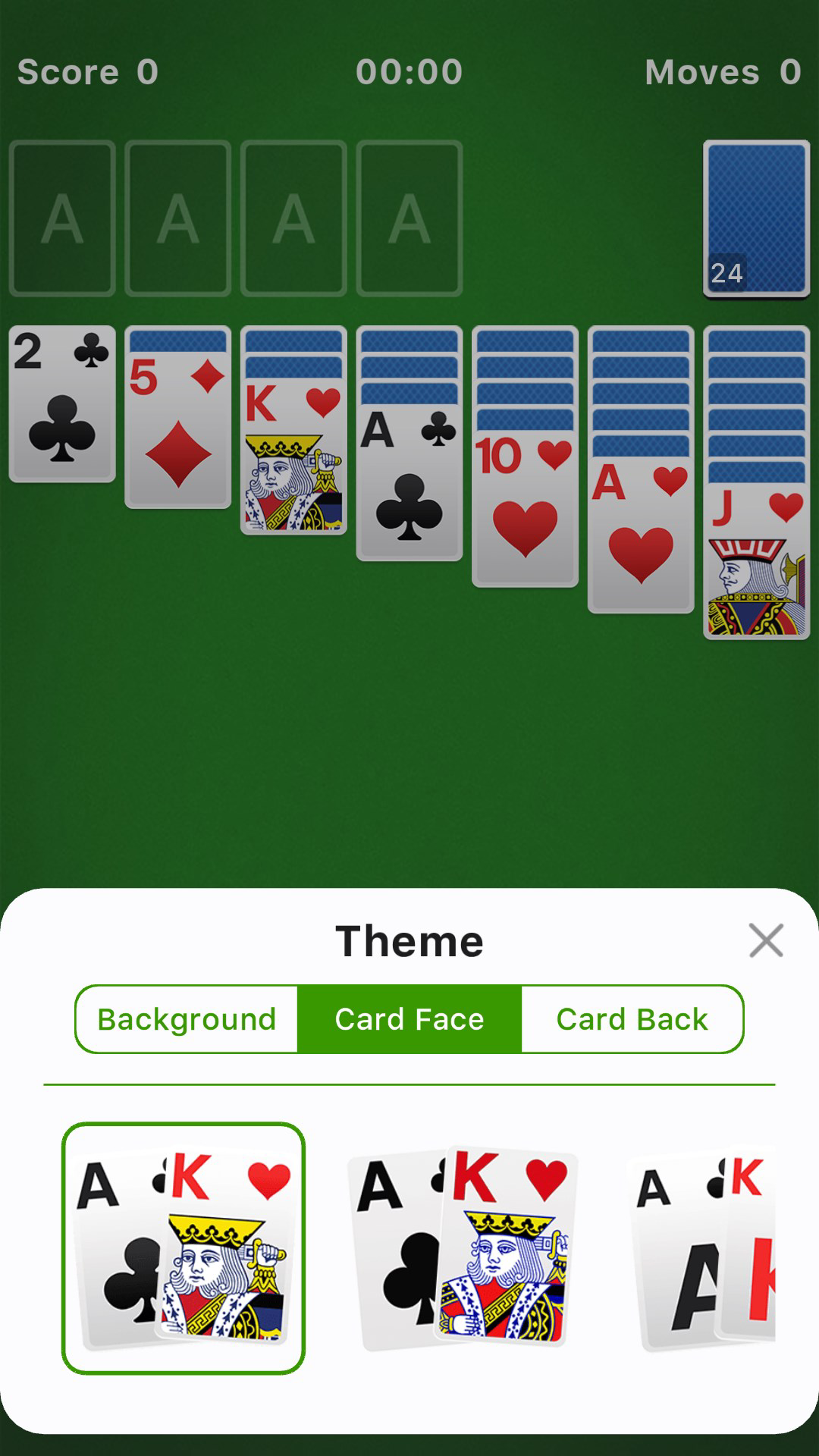
- Customizable Visuals: Players can personalize their experience with a selection of card designs and background themes. This feature enhances user engagement by allowing personal expression and visual variety across sessions.
- Progress Tracking & Statistics: The app records game outcomes, win rates, and time spent playing. These metrics provide insight into performance trends and help users set personal goals, making the game more than just entertainment—it becomes a tool for self-improvement in strategic thinking.
- Hint System & Undo Function: When players encounter a roadblock, the hint system offers guidance on possible moves. The undo feature allows reversal of the last action, reducing frustration and enabling experimentation with different strategies without penalty.
For example, a user struggling with a complex tableau might use a hint to identify a hidden card or a valid move. Similarly, a player testing a new strategy can use undo to backtrack and try an alternative approach. These tools support learning and retention, especially for those new to the game.
Interface, UX & Performance
The interface of Solitaire - Classic Klondike presents a clean, minimalist layout optimized for touch interaction. Card placement, drag-and-drop mechanics, and visual feedback are designed for responsiveness and clarity. The visual style is uncluttered, focusing attention on the game board and minimizing distractions. Navigation is straightforward: players interact directly with cards and piles using intuitive gestures, such as tapping, dragging, and swiping.
Although the developer did not list formal performance metrics, the app’s file size of 25.4 MB suggests efficient resource usage, which typically correlates with smooth operation on a wide range of Android devices. The app maintains consistent responsiveness during gameplay, with minimal lag during card movement and pile transitions. Stability appears reliable, with no reported issues related to crashes or freezes in the current version.
Users on both smartphones and tablets should experience a consistent interface, with scalable layouts adapting to different screen sizes. The game’s animations are smooth, contributing to a polished feel without overloading system resources. Overall, the UX prioritizes ease of use and accessibility, making it suitable for players of all ages and technical skill levels.
Platform Compatibility & Technical Requirements
Solitaire - Classic Klondike is available exclusively on the Android platform. The current version is 2.1.3, released on August 12, 2024. The app’s file size is 25.4 MB, indicating a lightweight footprint that should not strain device storage or battery life.
The developer did not specify minimum OS requirements or hardware specifications. As such, compatibility with older or newer Android versions cannot be confirmed. However, the app’s small size and focus on core functionality suggest it is likely compatible with a broad range of devices, including budget and mid-tier smartphones. Users are advised to ensure their device meets standard Android system requirements for app installation.
Pros and Cons
Pros
- Free to download and play with no in-app purchases required
- Faithful implementation of classic Klondike Solitaire rules
- Flexible difficulty settings with Draw 1 and Draw 3 modes
- Customizable card designs and backgrounds for personalization
- Integrated statistics and progress tracking for performance insights
- Helpful hints and undo functionality to support learning and experimentation
Cons
- Developer did not provide detailed system requirements or compatibility information
- No mention of cloud sync or cross-device progress tracking
- Only available on Android; no iOS or other platform support listed
- Visual customization options may be limited compared to premium alternatives
- No multiplayer or social features included
FAQ
Is Solitaire - Classic Klondike free to download?
Yes, the app is available at no cost. There are no charges for downloading or playing the game.
Does the app require an internet connection?
No, the app functions offline. All gameplay, features, and statistics are stored locally on the device.
Can I play the game on tablets?
Yes, the app is designed to support both smartphones and tablets, with a responsive interface that adapts to different screen sizes.
Are there in-app purchases?
The app is free and does not include in-app purchases. All features are accessible without additional cost.
How often is the app updated?
The latest version, 2.1.3, was released on August 12, 2024. The frequency of future updates is not specified by the developer.
Final Thoughts
Solitaire - Classic Klondike stands out as a polished, reliable, and accessible mobile adaptation of a beloved classic. Its commitment to authentic gameplay, combined with thoughtful modern enhancements like customizable visuals and progress tracking, makes it a strong choice for anyone seeking a distraction-free, strategy-based pastime. The inclusion of hints and undo functionality lowers the barrier to entry, while the statistics feature adds depth for those who wish to improve over time.
While it lacks cross-device sync and multiplayer options, the app delivers a focused, high-quality experience within its scope. For Android users who appreciate timeless games with a clean interface and no hidden costs, this app offers excellent value. Whether you're passing time on a commute or honing your card game skills, Solitaire - Classic Klondike delivers consistent enjoyment.
Download Solitaire - Classic Klondike now
Guides & Tutorials for Solitaire - Classic Klondike
How to install Solitaire - Classic Klondike
- Click the Preview / Download button above.
- Once redirected, accept the terms and click Install.
- Wait for the Solitaire - Classic Klondike download to finish on your device.
How to use Solitaire - Classic Klondike
This software is primarily used for its core features described above. Open the app after installation to explore its capabilities.
User Reviews for Solitaire - Classic Klondike 0
No reviews found


